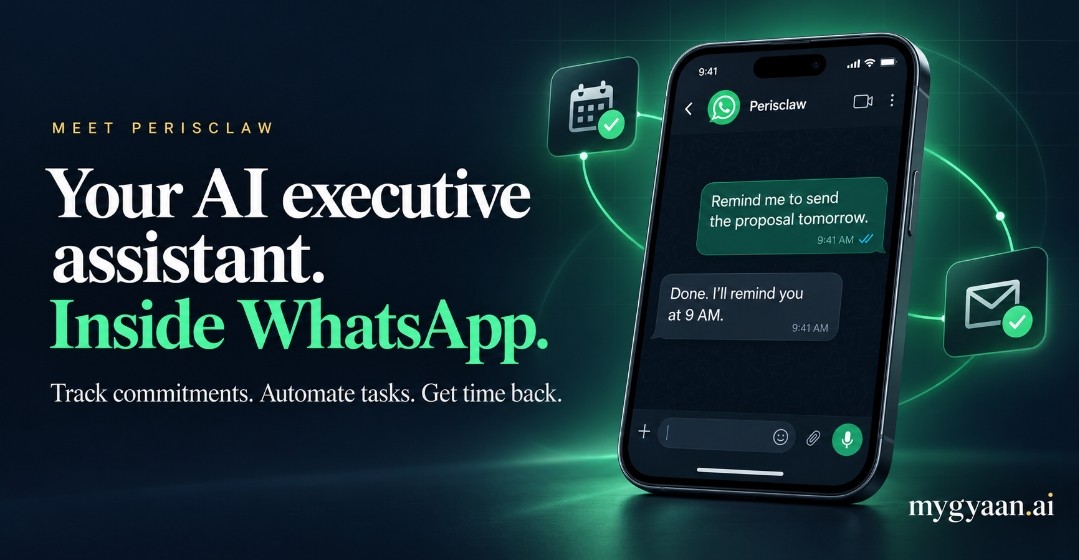
Perisclaw: a WhatsApp AI assistant that follows through
Track promises, automate follow-ups and prepare for meetings without switching between chats and apps. Perisclaw works through your own WhatsApp number, with the context of the conversations you allow it to access.
Affiliate link · Opens in a new tab · Plans and trial terms are set by Perisclaw.
What is Perisclaw, and how does it work?
Think of it as an assistant that does work, not just a chatbot that answers questions. Use your WhatsApp self-chat as its workspace, send a voice note, or type /claw in another conversation. A quick request can become a reminder, a calendar event, a filed document or a Mission that runs over several days.
You choose which chats and apps it can access. Messages to other chats are drafted for approval unless you have authorised automatic sending. According to Perisclaw’s documentation, each user has an isolated, encrypted environment, and customer data is not used to train AI models.
What can you automate with Perisclaw?
WhatsApp task and commitment tracking
Track what you promised, what others owe you and unanswered questions. Perisclaw understands conversational deadlines and brings open commitments back before they slip.
Try asking: “Who is waiting on me, and who still owes me something?”
Automated follow-ups and Missions
Schedule a recurring job or delegate a multi-day outcome. Perisclaw can collect replies, chase missing inputs and report progress. Sensitive automations show their plan before activation; consequential changes need your approval.
Try asking: “Collect the team’s weekly numbers, follow up with missing replies and update the Sheet.”
Calendar, reminders and meeting preparation
Check free slots, create or move meetings, spot conflicts and get a briefing with previous conversations and open promises. Draft a WhatsApp message now and schedule it for later.
Try asking: “Brief me before my next call, including the commitments still open.”
WhatsApp group summaries and organisation
Summarise decisions, action items and unanswered questions from busy groups. Label chats by client or project, and review the list before archiving finished conversations.
Try asking: “Summarise the client group and highlight anything that needs my reply.”
AI search and personal memory
Find messages and files by meaning rather than exact words, with source messages for context. Save useful material to a personal wiki using a paperclip reaction. Inspect and correct remembered preferences and relationship details.
Try asking: “Find the deck shared around March and what we decided afterwards.”
Connected apps and reusable workflows
File invoices into Drive, extract details into Sheets and work with supported connectors such as Notion and Slack. Teach a report format once and reuse it. Connector availability varies; email support is listed as coming soon.
Try asking: “Save this invoice and add its vendor, amount and due date to my expenses Sheet.”
Practical AI assistant use cases for your work
Founders & business owners
Start with a morning briefing combining meetings, overdue work and replies you owe. Turn invoice photos from chats into organised records.
Operators & chiefs of staff
Collect weekly numbers from team leads, log confirmed delivery details in a tracker and surface unresolved issues in an escalation report.
Investors
Collect portfolio updates, organise pitch decks, prepare for calls and track whether introductions led to a useful conversation.
Agencies & independent professionals
Track commitments by client, prepare for meetings and draft weekly reports in your own format for review before sending.
Community owners & educators
Catch up on group discussions, spot unanswered questions, track assignment submissions and save valuable answers in a searchable wiki.
Sign up today. Try one useful job.
Open the sign-up link, connect your WhatsApp and choose its permissions. Start with a morning briefing or an open-commitments check. Review the result before delegating a recurring workflow.