All tools & apps

Business tools · Conversations & relationships

Kondo: a calmer inbox.
Better LinkedIn conversations.

Your next customer, collaborator or opportunity may already be in your DMs. Kondo helps you organise the conversations, remember the follow-ups and give the right people your attention—without turning relationship-building into mass messaging.

Referral invitation: one free month. Eligibility and redemption are set by Kondo; confirm the offer during sign-up. This is a referral link and may benefit the referrer.

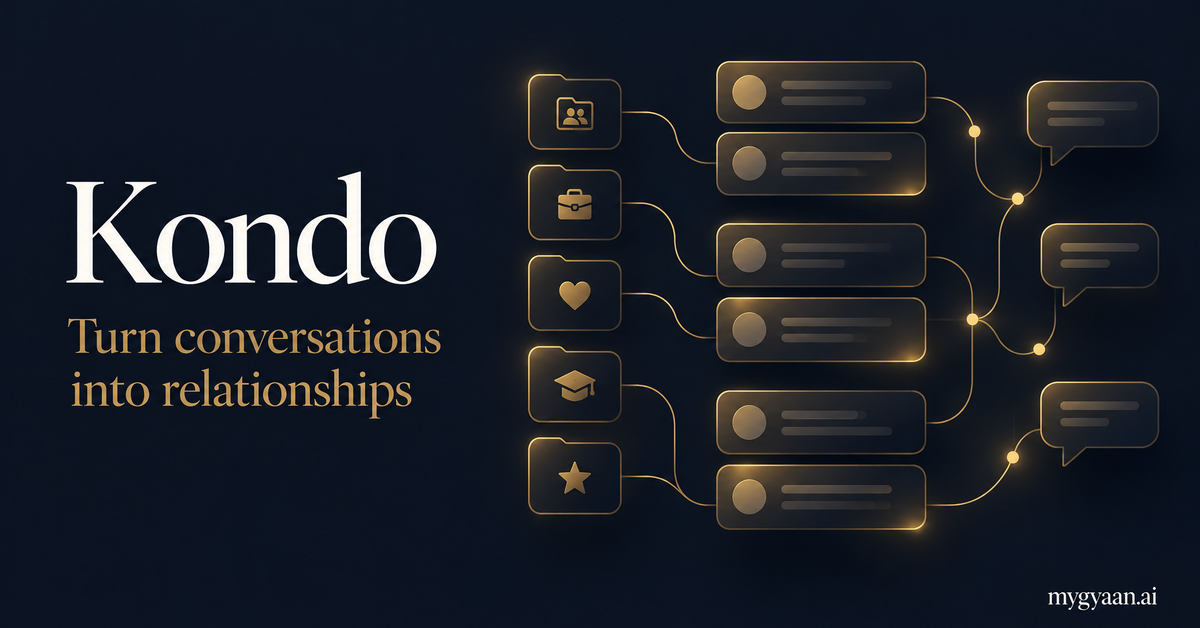
Kondo: turn conversations into relationships — mygyaan.ai editorial illustration of an organised message inbox
Editorial illustration by mygyaan.ai, not a screenshot of Kondo.

The problem is not always too many messages.

It is too many unfinished conversations.

A prospect asks for details. A past client wants to reconnect. A useful introduction arrives while you are in a meeting. You read the messages, intend to return to them, and then the inbox moves on. The conversation has not disappeared, but the next action has.

Kondo is built around bringing order to that work. Rather than treating every thread as another item in one long stream, it gives you labels, separate lists, reminders, notes and reusable replies. The aim is not just a tidier screen. It is a clearer answer to a practical question: who needs my attention next?

The official site describes Kondo as a unified professional DM inbox for LinkedIn, WhatsApp and iMessage. LinkedIn remains a natural starting point for founders, consultants, recruiters and salespeople who do business through personal conversations. This guide focuses on that use case, with broader platform support and plan details to confirm when you sign up.

What Kondo brings to your inbox

The official product features below are explained in practical terms. The examples are suggested workflows from mygyaan.ai—not claims of measured customer results.

Labels that give conversations a purpose

Kondo lets you label chats by client, deal, project or another category you choose. Instead of relying on memory, you can distinguish a promising enquiry from an existing customer conversation. Keep labels simple enough that you actually use them; a complicated filing system can become another job.

Try: Prospects, Clients, Partners and Waiting for reply.

Split inboxes for focused attention

A label can have its own list, so you can work through one kind of conversation at a time. That is useful when your inbox mixes sales enquiries, peer conversations and everyday networking. Filters further narrow what you see, rather than making you scan the entire message stream.

Try: review client conversations before moving to new opportunities.

Snooze and reminders for the right moment

Not every conversation needs a reply immediately. Kondo can move a chat out of the way and bring it back when it needs your attention. A reminder makes “come back to me later” actionable without leaving the message permanently unread or depending on a separate mental checklist.

Try: bring back a proposal conversation on the date you agreed to reconnect.

Snippets without sounding like a template

Saved replies with placeholders let you reuse the reliable part of a message: an introduction, an explanation of your service, or the next step in your process. The important work is still yours. Adapt the opening, check names and details, and make the response relevant to the person who wrote to you.

Try: save your discovery-call outline, then personalise it for each enquiry.

Keyboard-first processing and archiving

Kondo is designed to help you move through messages without constantly reaching for the mouse. Its official site lists shortcuts for search, archive, labels, reminders and snippets. Archiving clears a handled conversation from your active queue, making the inbox a list of decisions rather than a permanent record of everything you have ever received.

Try: read a thread, decide its next action, then archive or set a reminder.

Notes and readable voice messages

Notes keep context beside the person or conversation instead of scattered across documents. Kondo also advertises automatic voice-note transcripts across its supported platforms. Reading a transcript can help when you are somewhere you cannot play audio, but check the original recording if a name, number or commitment is ambiguous.

Try: note the agreed next step, not an entire duplicate of the conversation.

A practical way to use it every day

A new app only helps if it improves how you work. Start with a small routine rather than trying to classify every historical conversation perfectly. Here is a suggested approach for an owner-managed business.

  1. 1

    Choose a few useful categories

    Decide what you genuinely need to distinguish: active clients, new enquiries, partners and conversations waiting on someone else. Keep the language familiar to you. The purpose of a label is to help you make a decision, not to build a miniature bureaucracy.

  2. 2

    Give every important thread a next action

    Reply when you can, add a reminder when the timing matters, and record a short note when context will be useful later. If a conversation is handled, archive it. An inbox becomes more manageable when messages represent outstanding work rather than accumulated history.

  3. 3

    Reuse information, not indifference

    Create snippets for the questions you answer repeatedly. Then personalise them. A prospect should receive a response to their situation, not a generic paragraph that happens to include their name. Check any placeholders before sending.

  4. 4

    Review what is waiting

    Return to your reminders and relevant split inboxes regularly. Ask whether the next step is still appropriate, whether the person has already replied, and whether the conversation belongs in your CRM. Good follow-up is timely and useful, not simply frequent.

Who should consider Kondo?

Founders and owner-managers

When customers, suppliers, potential hires and collaborators all contact you personally, messages become part of running the business. Labels and reminders can separate what needs a decision today from what can wait. Kondo is most relevant when your own inbox is an operational bottleneck—not simply because you have a LinkedIn account.

Salespeople and business-development teams

A useful conversation can disappear beneath newer messages before it becomes a meeting. Kondo gives you ways to organise ongoing discussions, preserve context and reconnect at an agreed time. Treat it as a way to handle relationships better, not permission to send higher volumes of unsolicited outreach.

Recruiters and hiring managers

Different candidates may be at different stages and available on different timelines. Labels and notes can make those distinctions easier to see. Reminders help you return to a conversation at the appropriate point, while personalised snippets can reduce repetitive explanations about the process.

Coaches, consultants and creators

An audience can generate a mix of genuine enquiries, collaboration requests, feedback and casual conversation. Separate lists make those messages easier to approach deliberately. Saved replies can cover common questions while leaving room for the individual attention that makes a professional relationship valuable.

AI assistance, with you deciding what gets sent

Kondo’s current website describes an MCP connection for AI clients such as Claude, ChatGPT and Cursor. MCP is a way for an AI assistant to interact with tools. In Kondo’s case, the advertised capabilities include searching chats, reading threads, adding labels and notes, setting reminders and preparing reply drafts.

The useful distinction is between preparing work and sending messages. Kondo says agent-written replies remain drafts until you choose to send them. For example, an assistant could help identify pricing conversations and prepare replies based on a saved snippet. You still need to check accuracy, tone, context and whether contacting that person is appropriate.

Bring relevant conversations into your CRM

Kondo lists integrations with HubSpot, Salesforce, Attio, Clarify, Notion, Google Sheets and custom webhooks. Its website says you choose which chats sync, along with notes and labels. That distinction matters when personal and professional messages share an inbox: do not assume everything belongs in a company system.

Before enabling a connection, confirm the plan, destination, fields and permissions your workflow requires. Kondo can support the movement of conversation context; it does not remove your responsibility to decide what information should be shared with colleagues or other services.

Privacy and account safety: understand the claims

According to Kondo, messages, contacts and attachments stay on your computer, while its servers store organisational information such as labels, reminders, snippets and notes. It says you sign in to the messaging platforms yourself, that it does not receive your password, and that agents work through Kondo rather than receiving direct platform access.

These are vendor descriptions, not an independent security audit or a guarantee against account restrictions. Review the current privacy terms and your employer’s policies. Connecting an AI provider or CRM introduces additional services whose access and data handling you should understand separately.

Pricing, plans and the referral month

The official pricing page reviewed on 1 November 2026 displays the following annual-billing rates in USD. These are per-user monthly equivalents billed annually, not monthly-billing prices. Final charges, taxes, features and availability should be checked directly with Kondo.

Basic

$28

USD / user / month · billed annually

LinkedIn and WhatsApp, unlimited labels, unlimited snippets and voice notes.

Business

$36

USD / user / month · billed annually

Everything in Basic, plus listed CRM integrations, MCP, Sales Navigator Inbox and analytics.

Enterprise

$52

USD / user / month · billed annually

Everything in Business, plus unlimited sync destinations, CRM sync setup help, Okta SSO and VIP support.

The source marks Sales Navigator Inbox and analytics with an asterisk; confirm their availability with Kondo. Its homepage mentions iMessage, while the pricing cards explicitly name LinkedIn and WhatsApp—check iMessage support for your device and plan.

Your invitation

Try Kondo with one free month

“Hey, know you do a lot of LinkedIn DMs, I think you’ll like this Kondo tool I found. Here’s a link to get 1 free month.”

This button preserves the supplied referral link. The referral destination was reachable, but the offer’s account-specific eligibility and checkout terms were not independently verified. Confirm the free month is applied before agreeing to payment. Kondo separately advertises a 14-day money-back guarantee; that is not the same as a free trial.

Questions before you try it

What is Kondo?

Kondo is a professional DM inbox designed to organise and manage conversations. Its official website currently presents a unified inbox for LinkedIn, WhatsApp and iMessage, with labels, reminders, snippets, notes and keyboard shortcuts.

Is Kondo only for LinkedIn?

No. It started by improving the LinkedIn inbox, but its current website also advertises WhatsApp and iMessage. Confirm the supported platform and device combination during onboarding; the pricing page explicitly lists LinkedIn and WhatsApp in Basic.

Does Kondo automatically send LinkedIn messages?

Kondo says it does not automate outreach. Its AI-agent workflow produces drafts for you to review and send. This is different from a tool that runs bulk connection requests or sends automated sequences.

Can it connect to my CRM?

Kondo lists HubSpot, Salesforce, Attio, Clarify, Notion, Google Sheets and custom webhooks. Its pricing page puts CRM integrations in Business and unlimited sync destinations in Enterprise. Check your required destination, plan and permissions before subscribing.

How do I get the one free month?

Use the referral sign-up button on this page, which opens the supplied Kondo referral link. The invitation offers one free month. Kondo controls eligibility and redemption; confirm that the benefit is shown before completing any paid subscription.

Is the referral month the same as the 14-day guarantee?

No. The one-month offer comes from the referral invitation. Separately, Kondo’s public pricing page advertises a 14-day money-back guarantee. Do not assume the guarantee is a free trial or that the two benefits automatically stack.

Does mygyaan.ai get access to my LinkedIn messages?

This page is an independent product guide and referral link, not a Kondo integration. It does not connect to your LinkedIn account or import your messages into mygyaan.ai.

Make the trial about your real work

Choose a few active conversations, organise them, and see whether it becomes easier to find context and keep commitments. Judge Kondo by whether important people receive a better response—not by how quickly you can make an unread count disappear.

Find the right threadRemember the next stepKeep replies personal

Sources & editorial note

Based on Kondo’s official product and pricing pages, reviewed on 1 November 2026. This is an independent mygyaan.ai guide, not a hands-on benchmark, security certification or promise of sales results. Practical examples are editorial suggestions. Features and offers can change.

Free, forever

Sign up free for mygyaan.ai

One book, one learning story, one quote, one video — delivered every day at 7 am. Unlimited books and turnaround stories, no payment, ever.

Free forever. By signing up you agree to our Terms and Privacy Policy.

No password. No spam. Unsubscribe any time.